
Shepherd, collaborative project design
Your team thinks they agree. Shepherd shows you whether they actually do.
Shepherd finds the disagreements hiding in your plan in days, while they are still cheap to fix, and turns them into decisions your whole team actually owns. Built for coalitions, NGOs, and small and midsize organizations running multi-stakeholder projects without a big organization's budget.
You already know this room
You have sat in the meeting where everyone is nodding, and nobody is really agreeing.
Nobody finds out in that room. You find out in month six: an indicator nobody can report on, a partner who quietly stops showing up, a workplan revision that becomes a renegotiation with your funder. The disagreement was always there. It just waited until it was expensive.
Why good plans fail
That gap rarely announces itself. It just quietly makes everything harder.
Sometimes it's meetings
More time spent getting people back on the same page than doing the actual work.
Sometimes it's rework
Renegotiating scope, redoing plans, resolving conflicts nobody saw coming.
Sometimes it's worse
Real harm in communities. Lost trust. Lost funding. Projects that never recover.
How Shepherd works
Three steps, mostly on your team's own time. No one has to learn new software, and no one sits through five one-hour meetings. The disagreements that would have surfaced in month six surface in week one instead, when fixing them costs a conversation, not a contract amendment.
Everyone shares their thinking in private, first
Each team member gets a link and answers a short set of questions about the project, on their own time. No one sees anyone else's answers. People perform agreement in front of other people, and they perform hardest in front of power. Shepherd collects each person's honest read before the room can shape it.
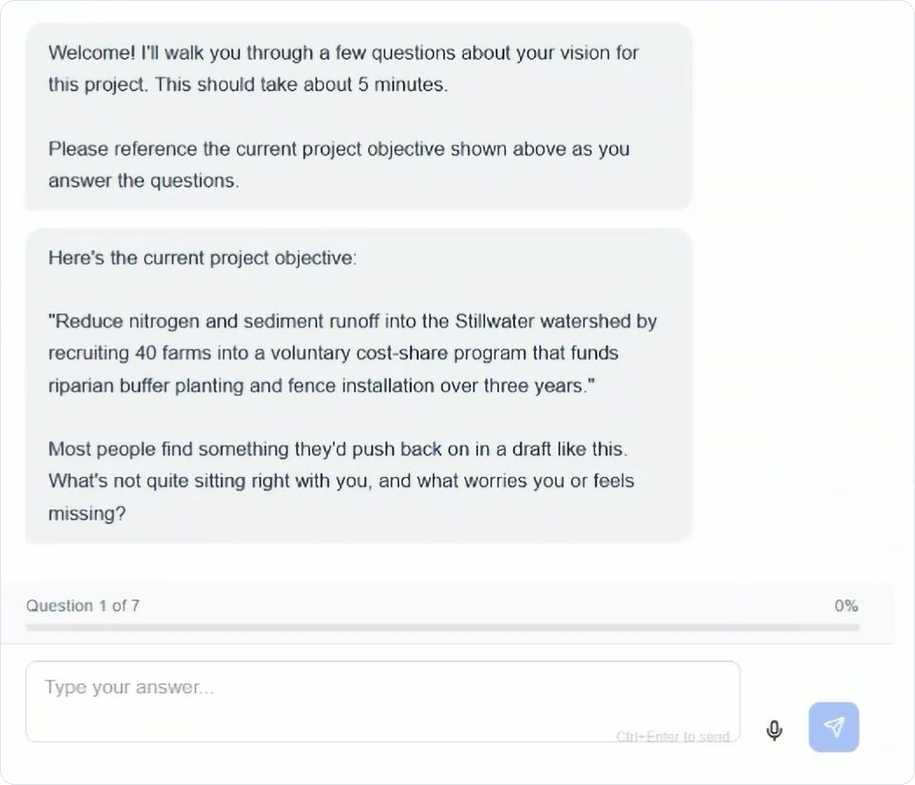
What a team member sees. Plain questions, nothing to install, nothing to learn.
Shepherd shows you where you actually stand
Shepherd compares every response against the actual plan, not the mood of the room. Everyone agrees on the goal; that tells you nothing. What matters is whether your team has committed to the same way of getting there. You get a plain-English read on where the team truly agrees and exactly where it doesn't, including the small gaps that usually surface eighteen months too late.

The headline read, in plain language. The full breakdown sits underneath for whoever wants it.
You walk into the meeting knowing what to work through
Instead of a blank agenda, your facilitator gets the real questions the team needs to settle, drawn from what people actually said. Everyone reads the analysis before the conversation starts, so the meeting begins at the disagreement, not at zero. The decisions you make together go on the record, with a reason attached to each one.
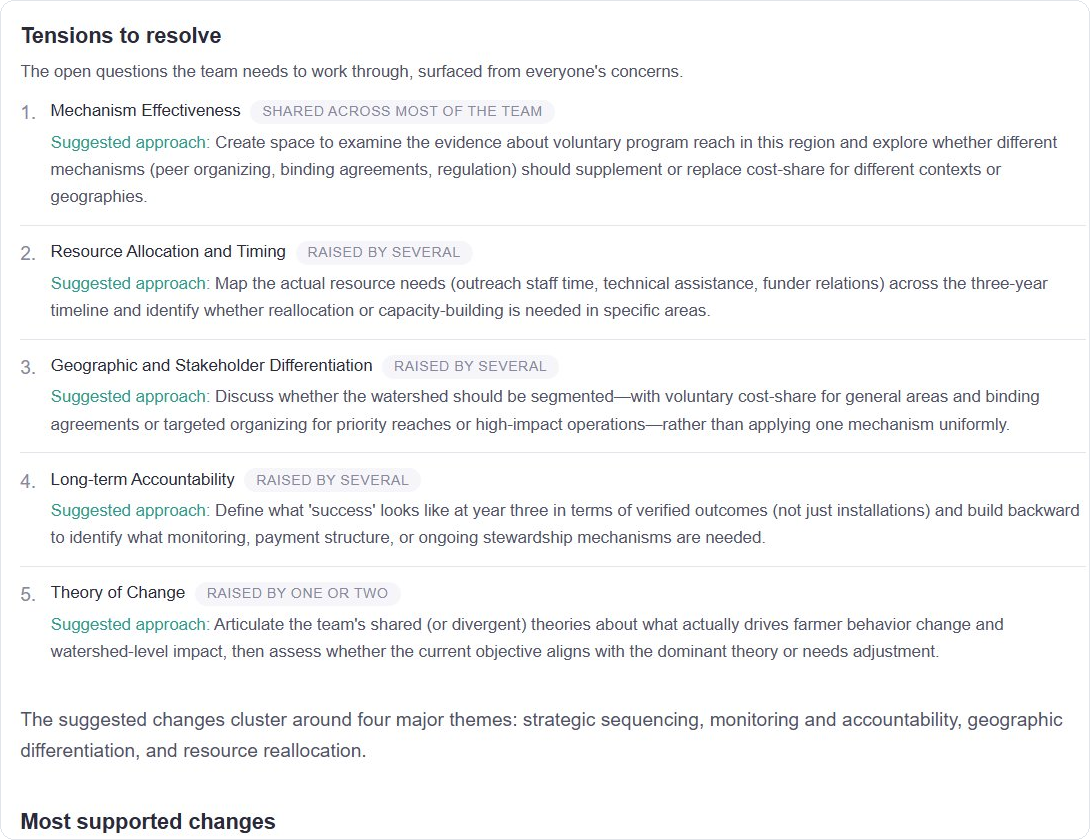
The meeting agenda, built from what the team really said.
Why input is anonymous and decisions are not
The more authority you hold in a room, the less truth the room tells you. Funders hear what grantees think they want to hear. Senior leaders hear agreement from people who came in with doubts. In Shepherd's analysis, no idea carries a name. A concern raised by the most junior person on the team is weighed exactly like one raised by the person holding the budget, because the analysis compares what was said, never who said it.
Anonymous input. Accountable decisions.
Honesty needs privacy, and accountability needs names. Shepherd puts each where it belongs. Input arrives with no names attached, so the real concerns surface. Decisions go out with a named owner and a written reason attached to every one.
What you walk away with
Decisions on the record. Then real documents, not a blank template.
Every Shepherd module ends in documents generated from what your team actually decided, with the reasoning preserved. Two years from now, when half the team is new and someone asks why the project works the way it does, the answer is written down: what was decided, by whom, and why, with the disagreements that shaped it.
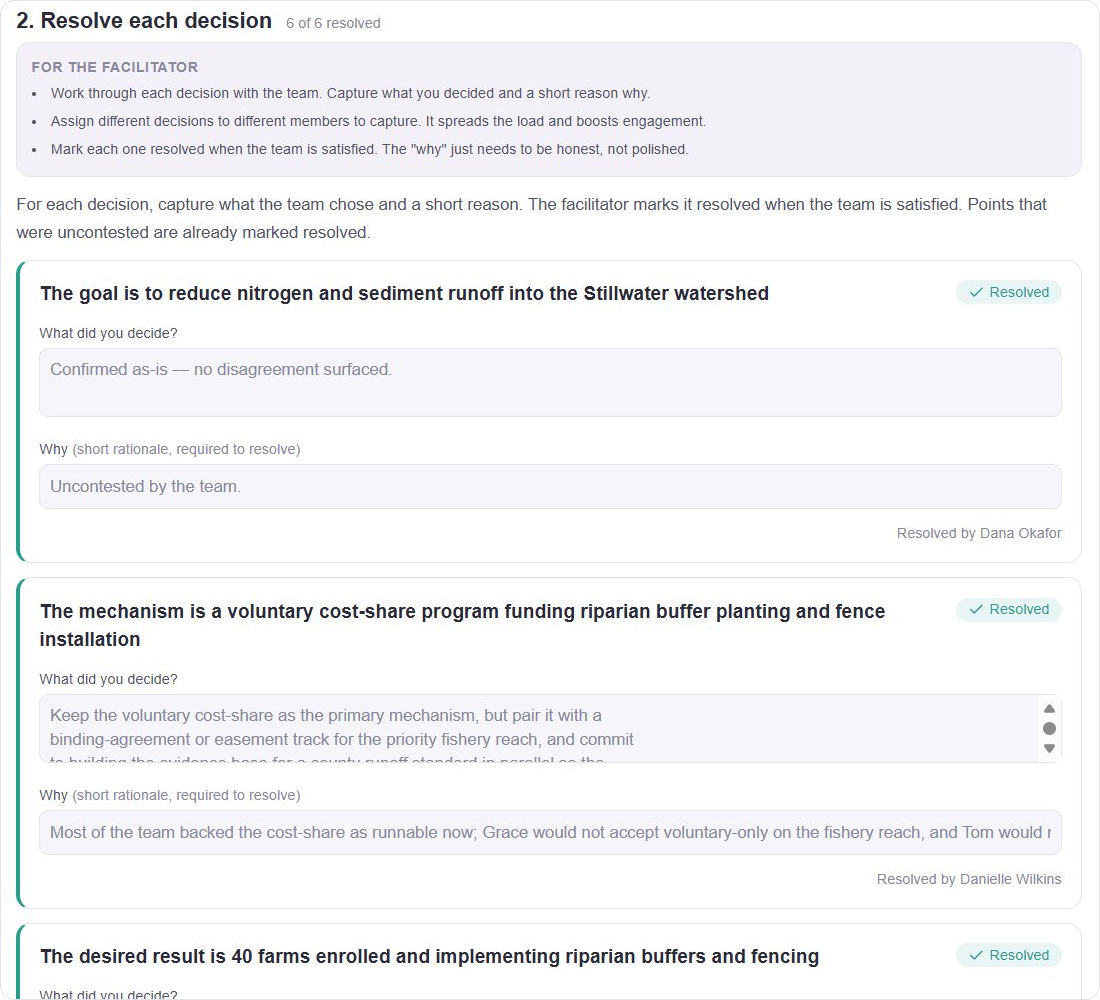
Each decision captured with a short, honest reason why.
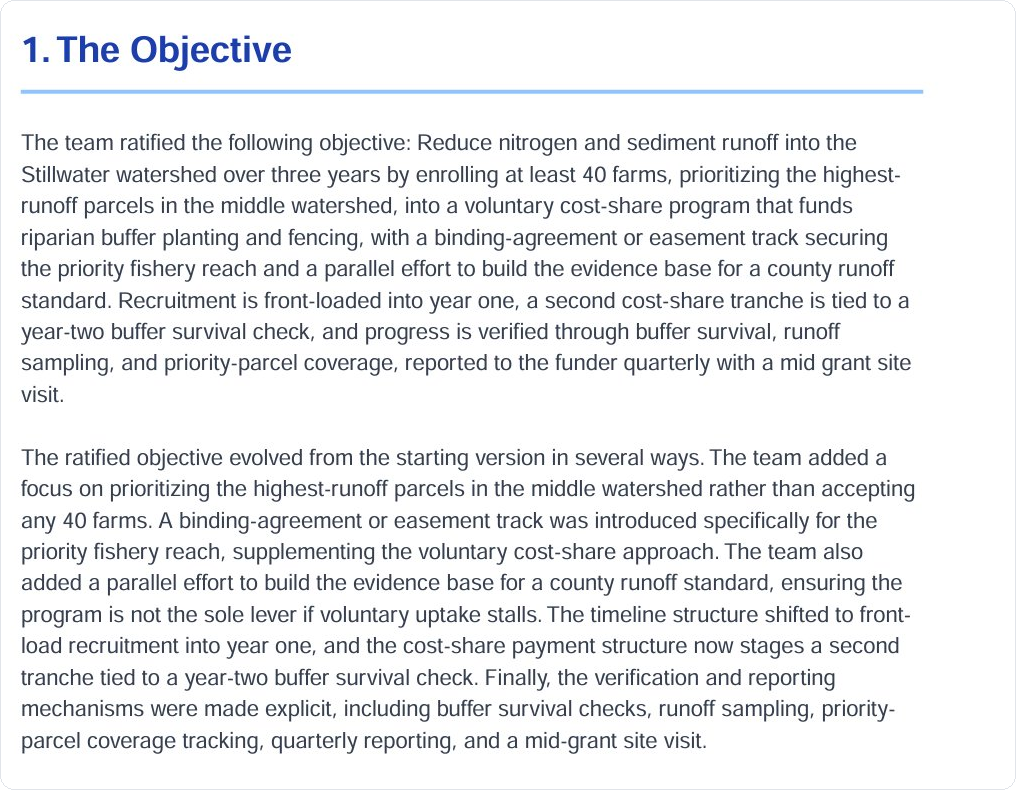
A finished design document, ready to share.
Shepherd's modules work like building blocks. Run one on its own or run them in sequence, and generate only what your project needs: a ratified objective, a problem statement, a stakeholder map, a system map, a risk assessment, a theory of change, success metrics tied to your outcomes, a governance structure, or a comprehensive plan that brings all of it together.
Where the AI stops
The AI never adds a position and never makes a decision.
Teams not owning their plans is an old problem. Consultants delivered binders nobody believed in long before AI could write one in an afternoon. Shepherd uses AI for the one job it is genuinely suited to here: reading every response side by side, surfacing where your team diverges, and suggesting how to structure the conversation. Your team is free to ignore every suggestion. Nothing enters a document that doesn't trace back to a decision a named person on your team made.
Your team's responses are stored on our own infrastructure. When the AI runs its analysis, the data passes through a commercial AI service under business terms: it is never used to train AI models, and it is retained by the provider only briefly for safety screening, then deleted.
Priced per project, not per seat
Add as many team members as the work needs, you're never charged for one more voice in the room. One project, one price, no subscription.
Essential
$299
per project
Core design modules, AI alignment analysis, and a basic project design document. For small teams with a straightforward project.
Comprehensive
$599
per project
The full module suite, theory of change, system mapping, risk analysis, and a complete project design document. For multi-stakeholder initiatives.
Enterprise
$1,499
per project
Everything in Comprehensive, plus a MEL framework, implementation planning, advanced governance, and priority support. For complex, multi-year programs.
Every project includes guided onboarding at no cost. Founding-member pricing applies for teams joining during our limited release.
Limited release
See what your team actually thinks.
We are onboarding a small group of teams now. Book a 30-minute demo and we will help you decide whether Shepherd fits the work in front of you.
Book a 30-minute demo